
After sharing my first rainbow filament experiment, I got a bunch of questions about how I got that layered color effect. Does it work with different rainbow filaments? Does the speed of the color change matter? Does it work on other trays I’ve designed?
So naturally, I printed a bunch more. For science 😉
And good news: the effect worked with every rainbow filament I tested, including both fast and slow color gradients.
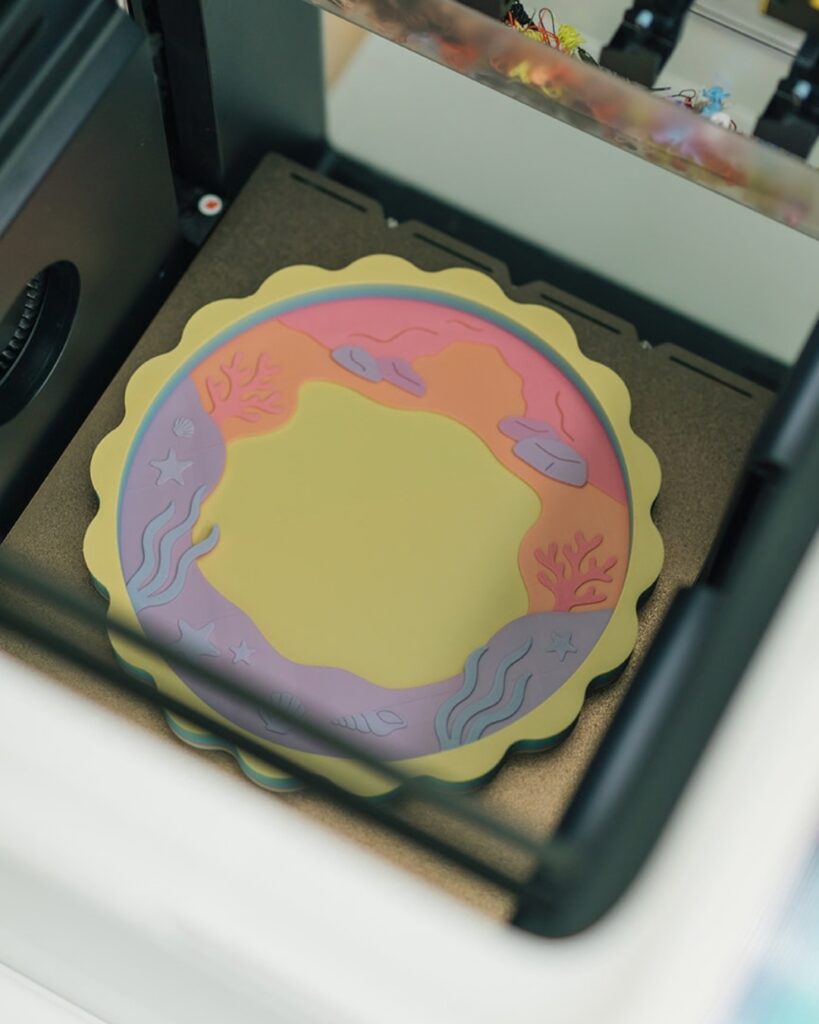
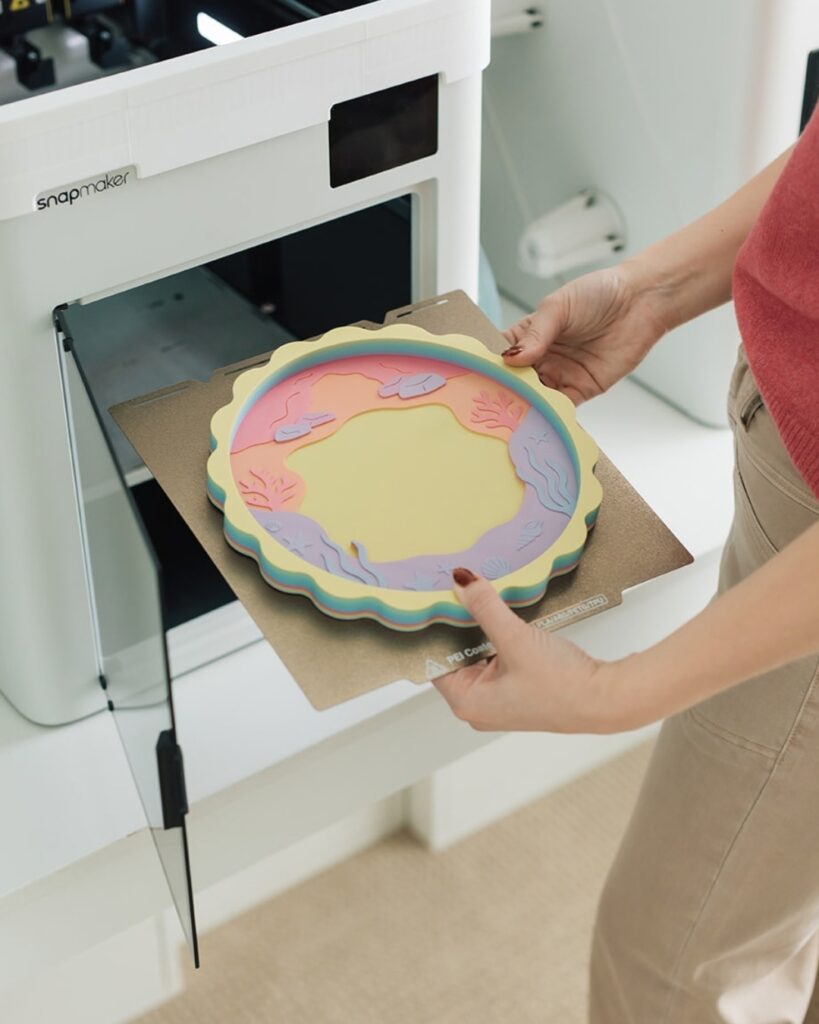
The Rainbow Filaments I Tested
Polymaker Panchroma Gradient Celestial Rainbow PLA
Slow color gradient
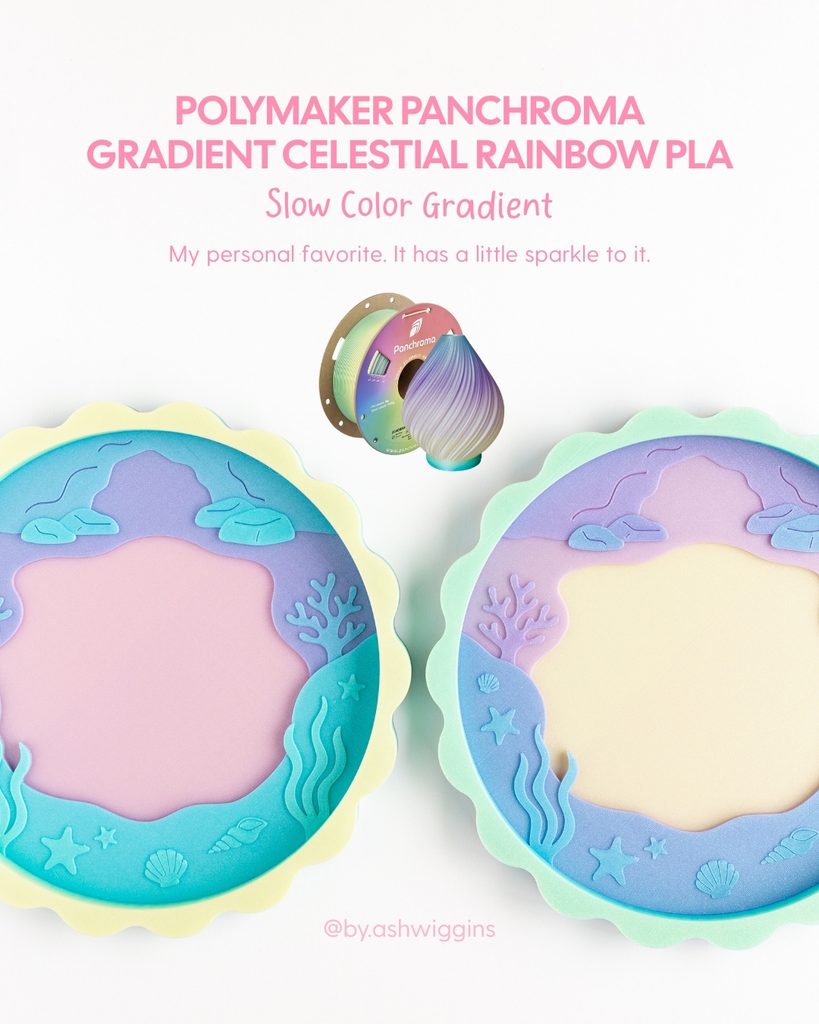
I tested this one on my Mermaid Treasure Trove Tray, and it might be my favorite of the bunch. The soft rainbow gradient gave me really pretty layers of color, plus it has a subtle sparkle that feels perfect for a mermaid theme.
Polymaker Panchroma Gradient Satin Rainbow PLA
Slow color gradient
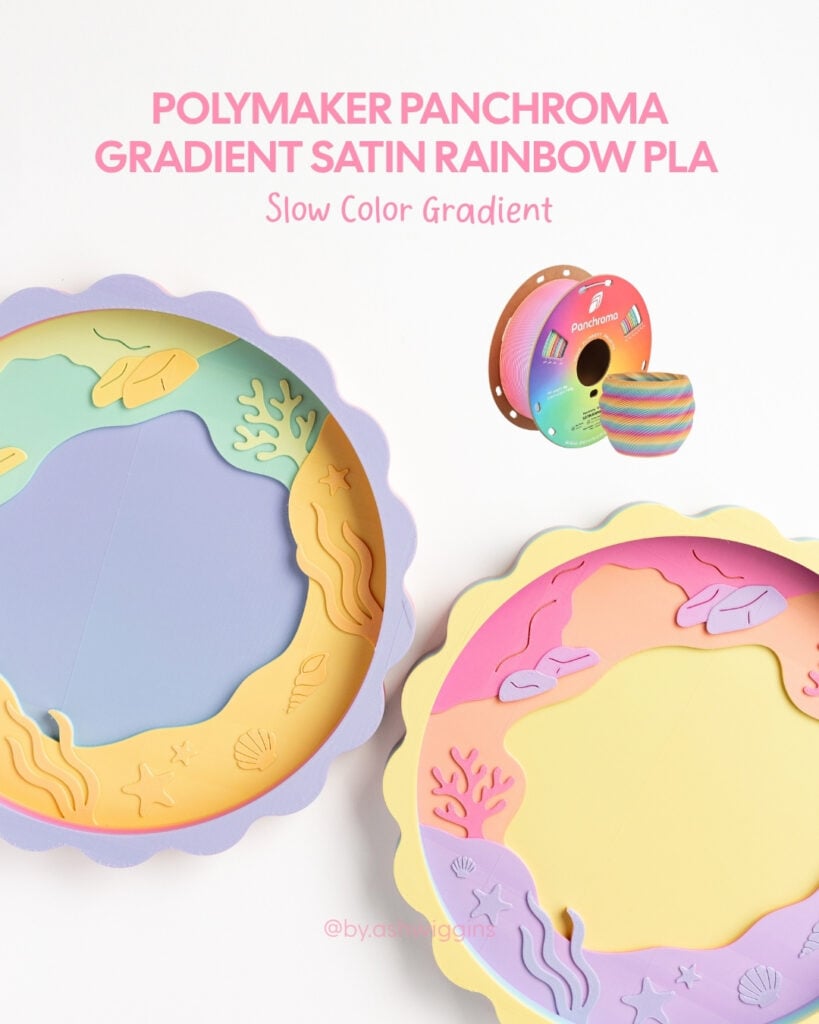
I also tested this one on my Mermaid Treasure Trove Tray. It has a brighter, more saturated rainbow than the Celestial filament, with a satin finish. The slower color change still gave me those distinct layered bands throughout the tray.
ZIRO Gradient Candy Rainbow Silk PLA
Fast color gradient
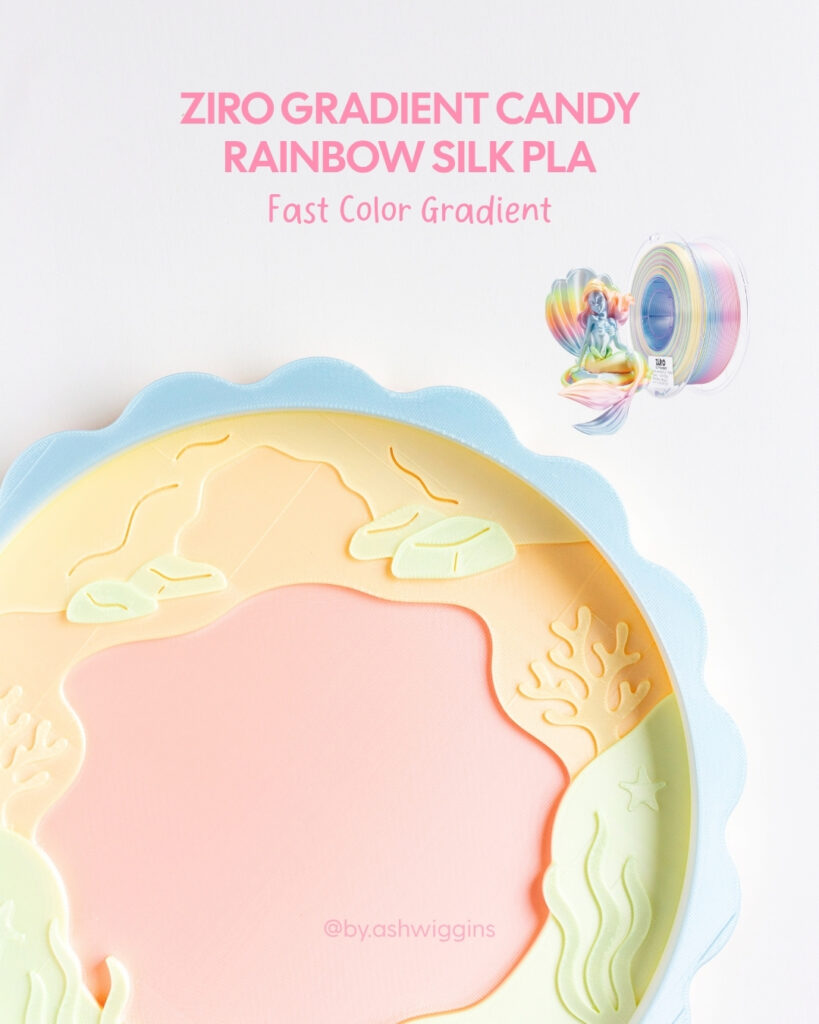
For this experiment, I printed my Mermaid Treasure Trove Tray again, but switched to a faster-changing rainbow filament. It moved through more colors during the print, but I still got that same fun layered effect I was hoping for.
Rambery Matte Gradient Blue-White PLA
Fast color gradient
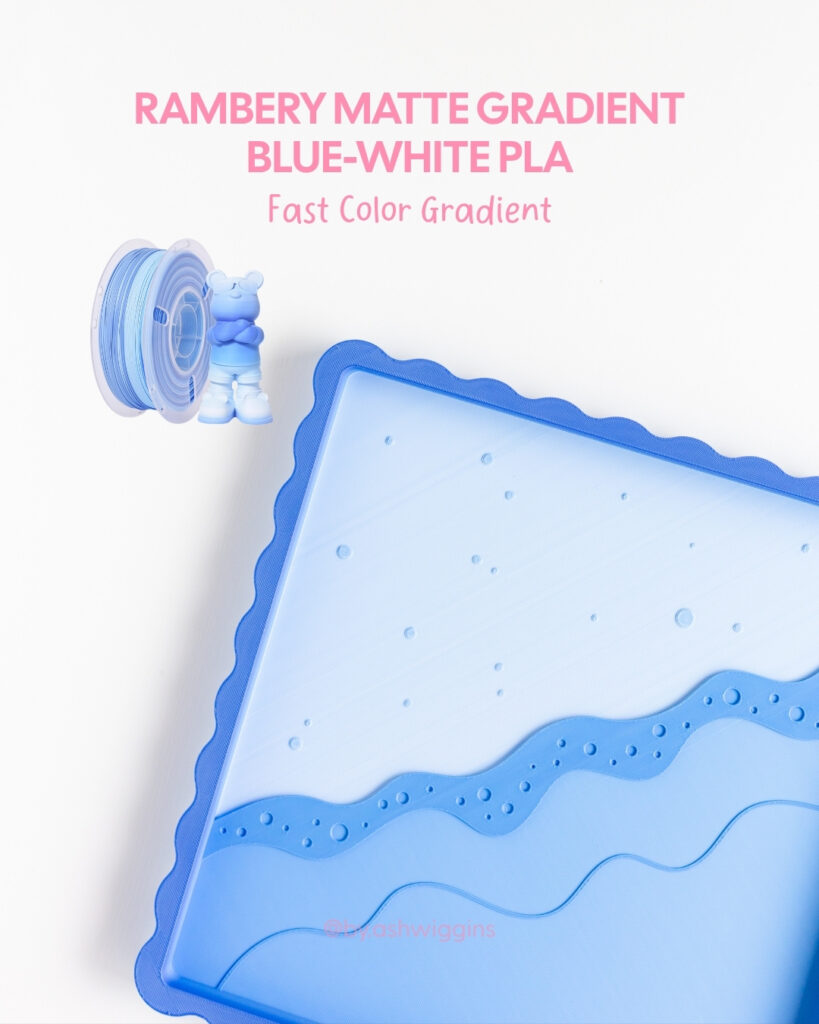
This one was probably my least favorite of the bunch. I liked the idea of a blue-to-white gradient for my Sand & Shore Tray, but the transition wasn’t as smooth as I hoped. The white and blue created more of a stripey effect in some areas rather than a soft gradient.
Not my favorite result, but definitely worth the experiment!
Rambery Matte Rainbow Lollipop PLA
Fast color gradient
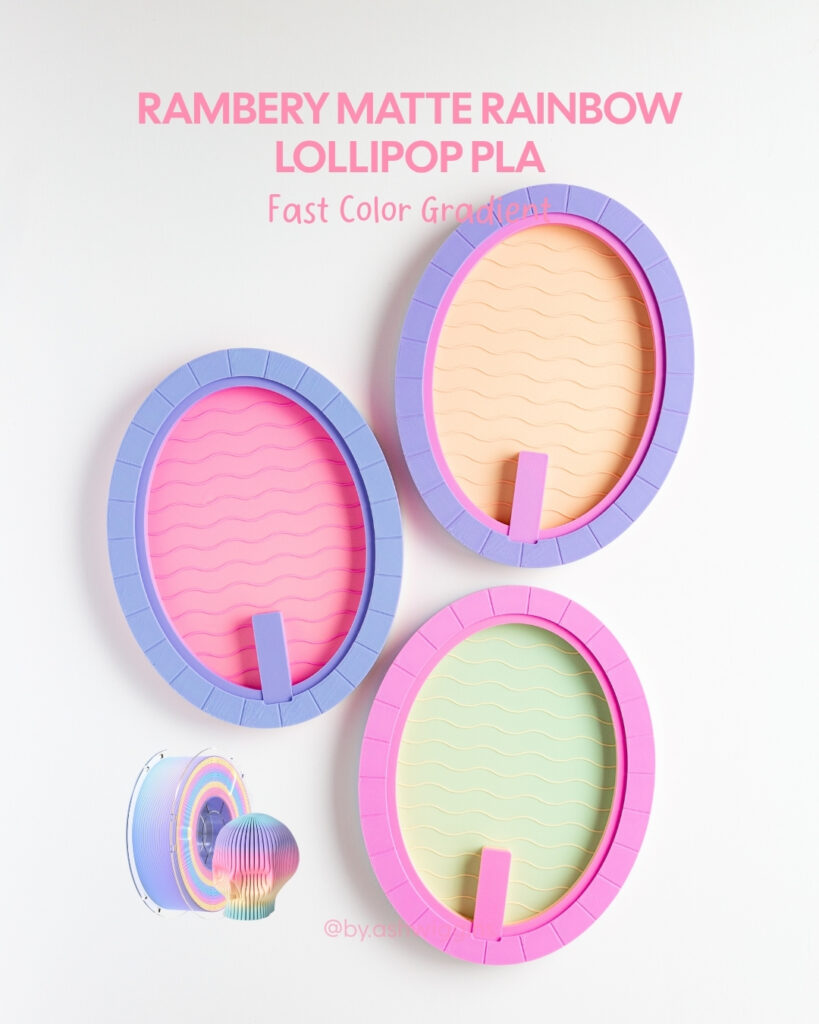
This one has a really fun mix of pink, purple, blue, and other pastel-ish colors. I tested it one of my Poolside Play trays and got completely different results from the same spool.
Geeetech Silk Rainbow PLA
Fast color gradient
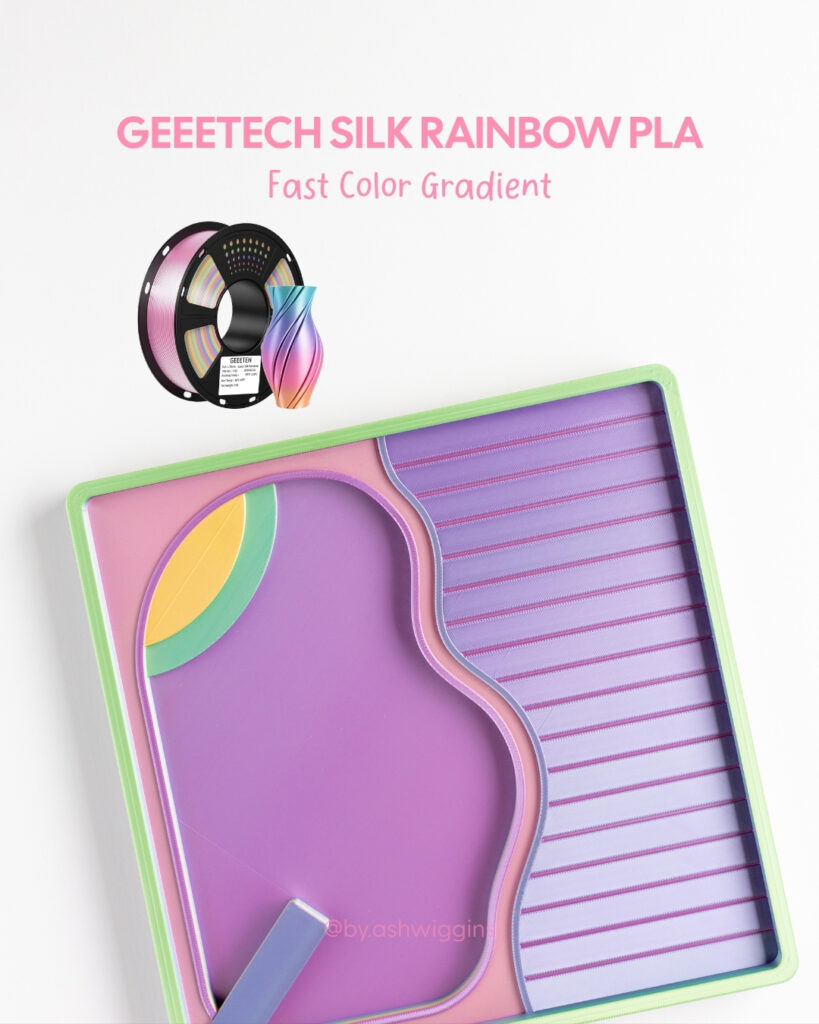
Another faster-changing option. This one gave me multiple colors across another one of my Poolside Play trays while still creating that layered effect.
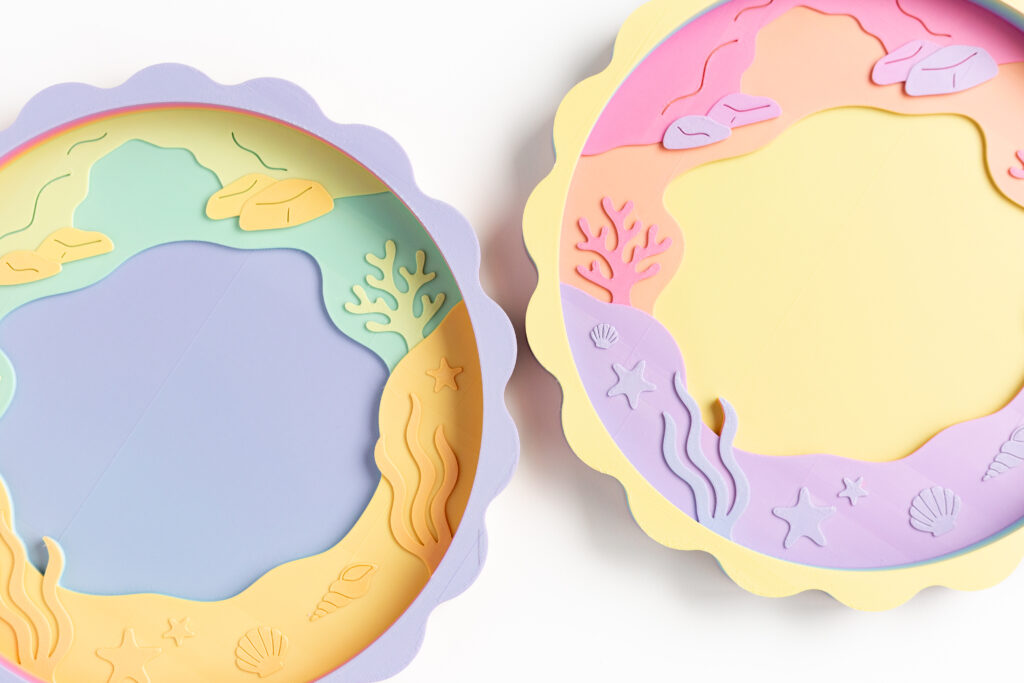
So, Does Fast vs. Slow Color Change Matter?
Not nearly as much as I expected.
Both fast and slow color gradients gave me the layered effect. The biggest difference was how many colors appeared throughout the print.
The slower gradients created longer stretches of each color, while the faster gradients moved through more colors over the course of a single print.
So I wouldn’t necessarily choose one over the other. It really comes down to the look and colors you want.
And Nope, I Didn’t Assign the Colors!
This was probably the question I got the most.
There’s no fancy slicer trick happening here. I didn’t manually assign any of these colors.
I loaded one spool of rainbow filament, sliced the trays normally, and hit print. That’s it.
The filament changes color as it comes off the spool, so the printer naturally creates those colorful layers as it moves through the print.
And because the color changes are determined by where you happen to start on the spool, no two trays will turn out exactly the same. Which might be my favorite part.
Some links are affiliate links, which means I may earn a small commission at no extra cost to you. As an Amazon Associate I earn from qualifying purchases. It’s an easy little way to support my business, and I appreciate it a whole dang lot 🫶
